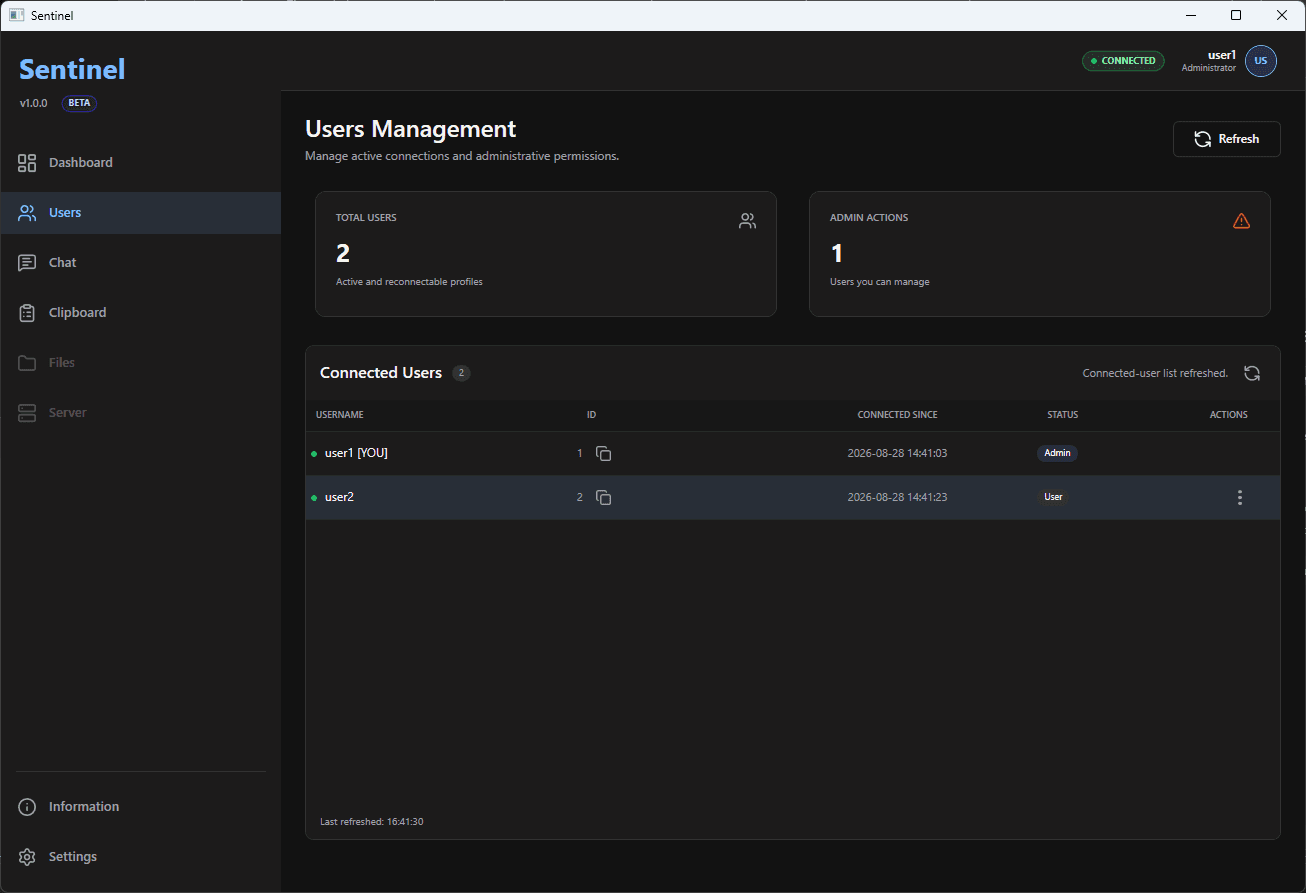
group
See who is in
Know who is connected to your session before the game even starts.
Sentinel gives your crew one local place to chat, share links, see who's online, and get everyone ready to play.
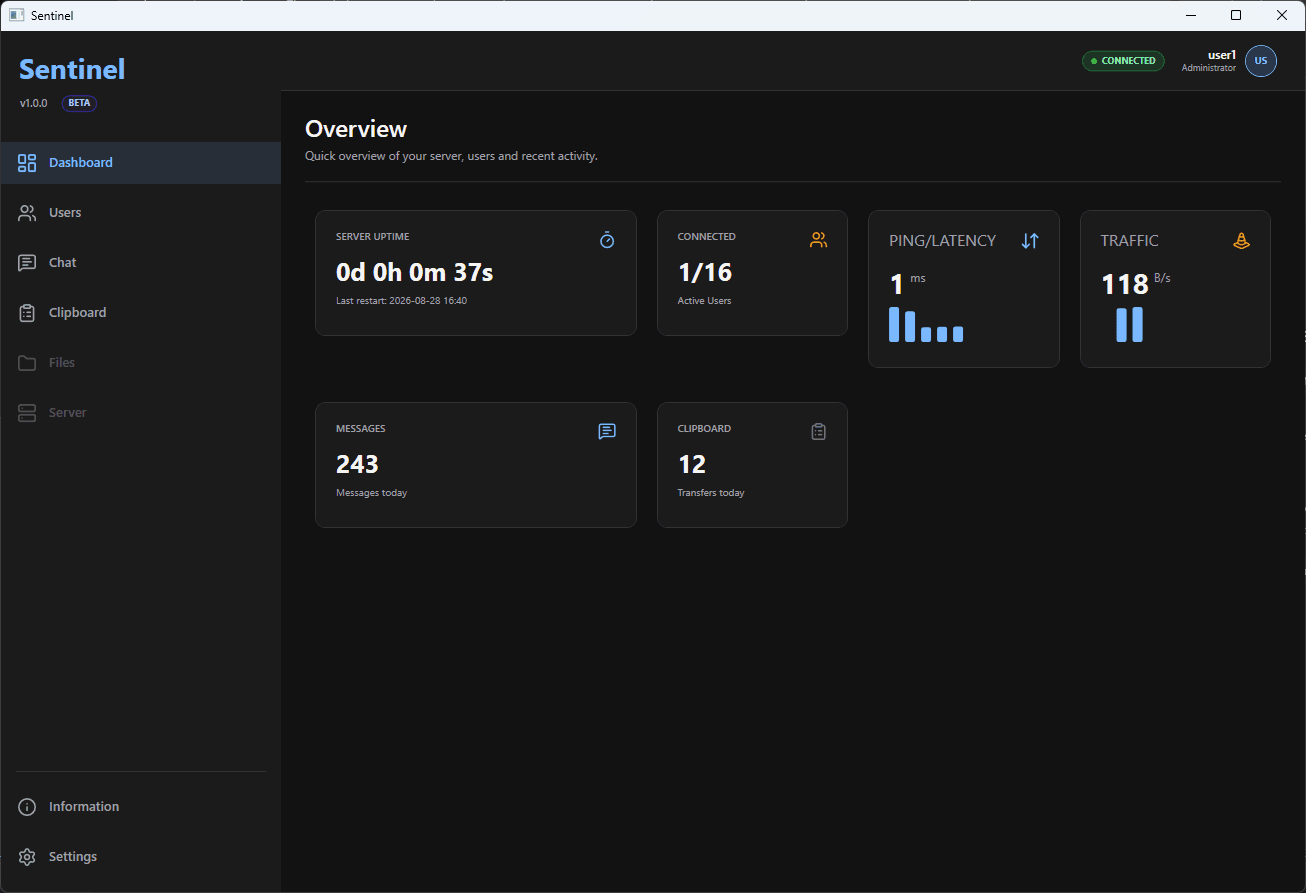
Made for your people
Whether it's a LAN party, game night, small community, or just your group of friends—Sentinel keeps the useful stuff close without pretending to be office software.
Know who is connected to your session before the game even starts.
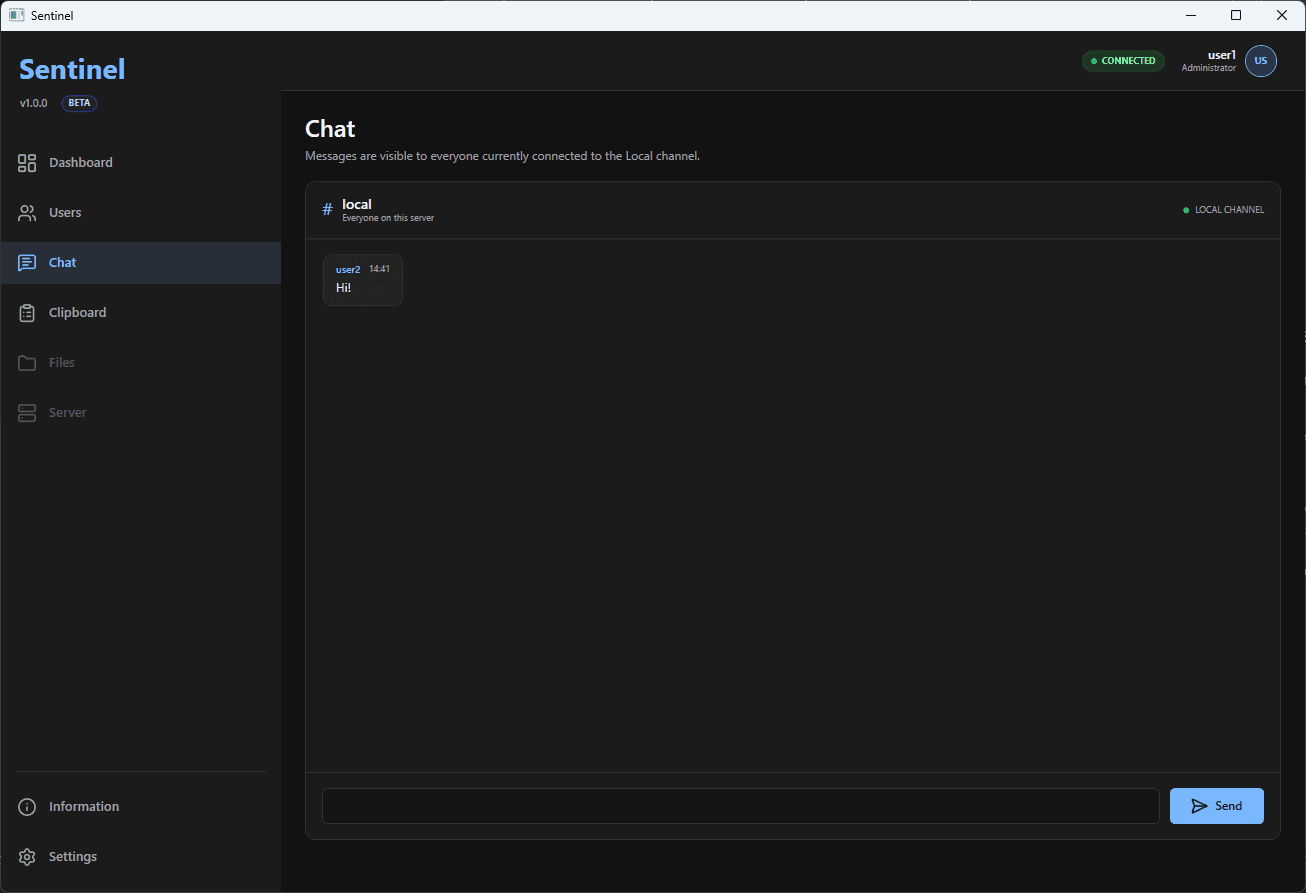
Keep the party chat where the party is. No extra tabs, no hunting for an invite.
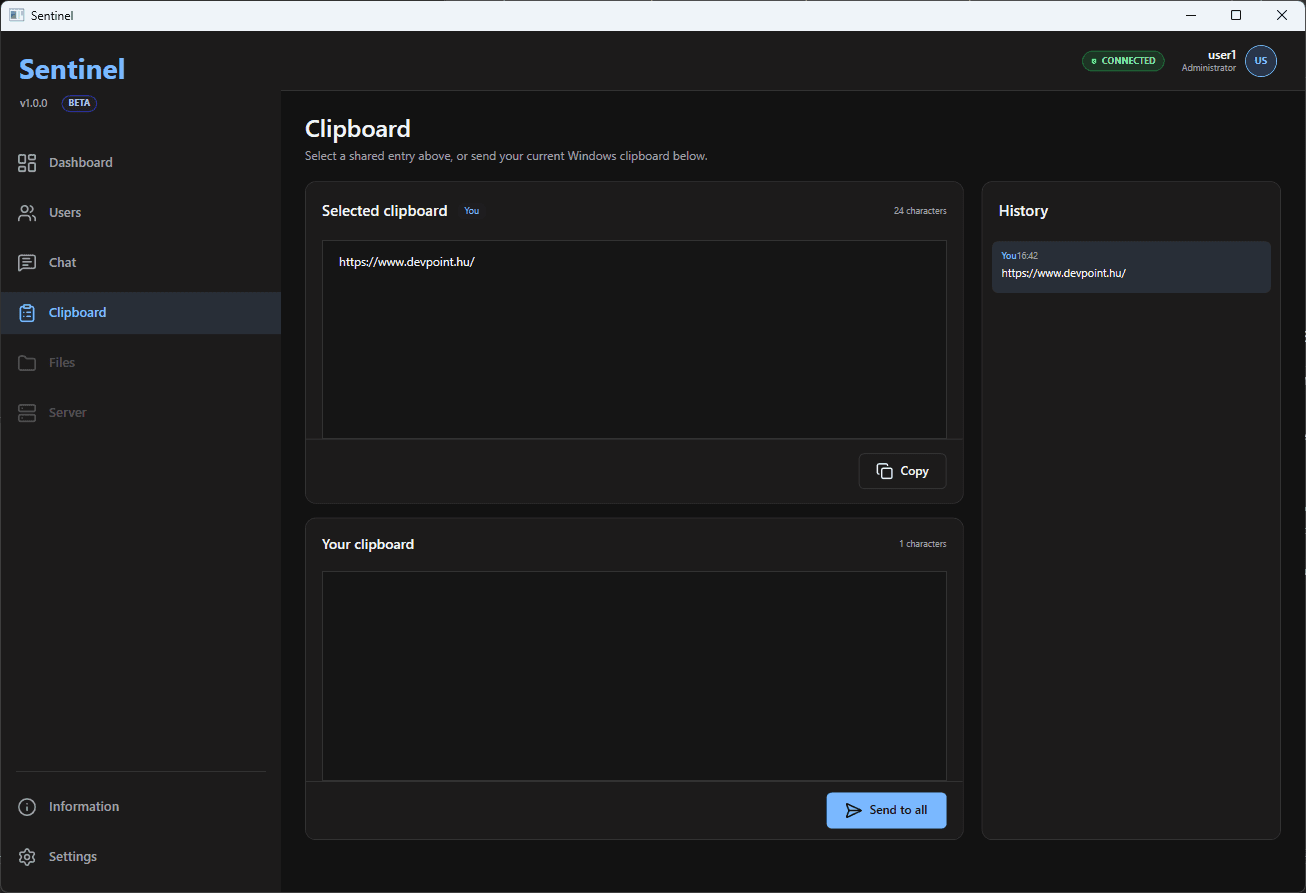
Send links, commands, addresses, and anything else your friends need in seconds.
Two ways to connect
Start a session on the host PC, then choose what works for your group: connect directly with its address and port, or let Sentinel look for it on your local network.
Also works through virtual LAN tools such as Radmin VPN.
Download the Server arrow_forward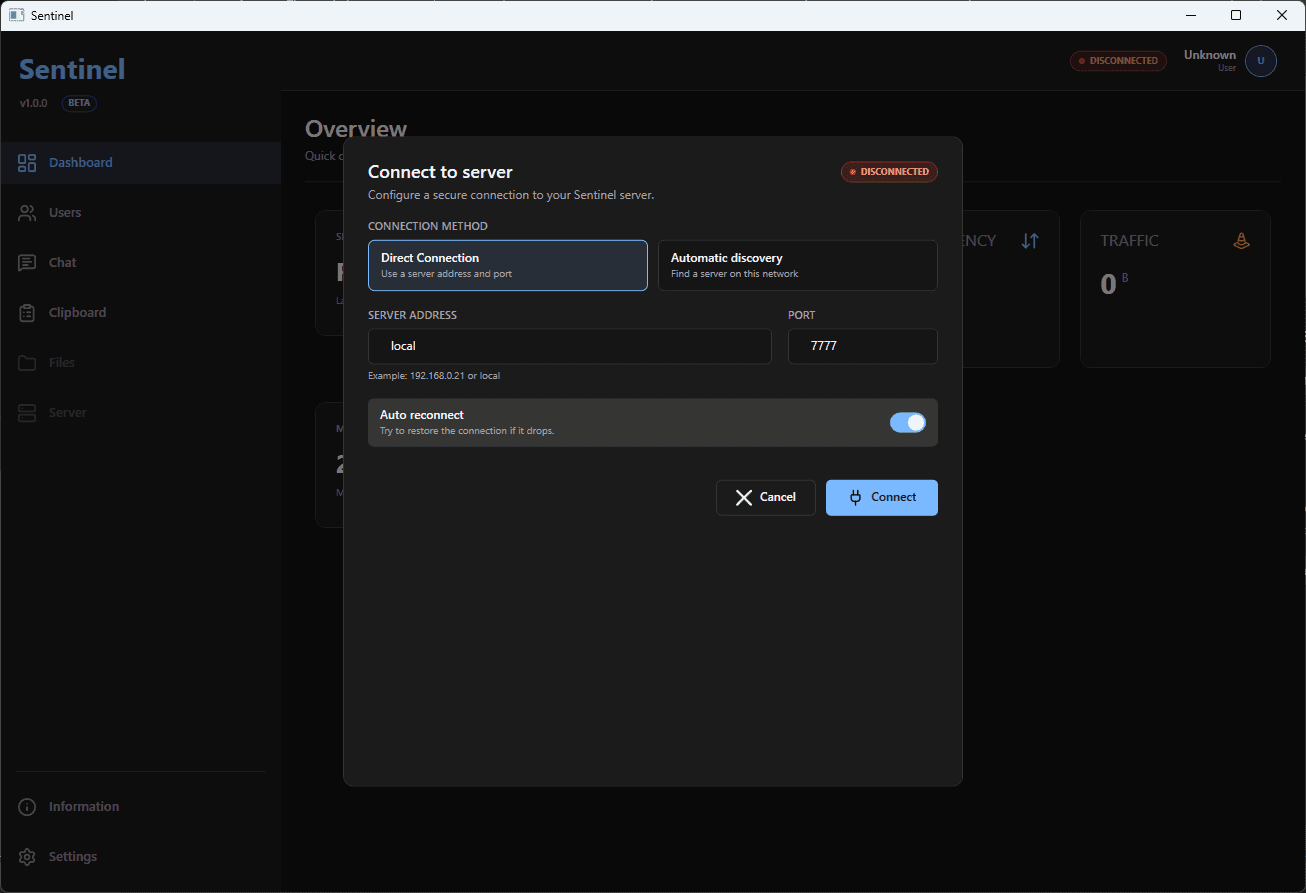
Have an idea that would make Sentinel better for your group? Join the community to share feedback, report a bug, and vote for what should come next.